Unanswered Instagram comments cost you DMs, leads, and sales. Most teams switch tools after a slow setup or a price jump, not because automation failed them. Finding a replacement means knowing which features actually matter.
This guide breaks down what to check in an Instagram comment auto reply tool, including features, pricing, and channel coverage. You will get seven concrete options, a clear number one pick, and the criteria to match a tool to your workflow.
What to Look For in Instagram Comment Auto Reply Tools
Choosing an Instagram comment auto reply tool for 2026 means evaluating more than just price-you need to assess automation depth, channel coverage, and integration potential to match your engagement goals.
A tool that only fires off a canned reply to every comment will frustrate your audience and miss revenue opportunities. The stronger options combine real-time comment moderation with intelligent routing, so a question about shipping gets a useful answer while a spam comment gets hidden.
Volume matters too. A creator or small shop might handle a few dozen comments a day, but a growing brand can face thousands across posts, Reels, and ads. Your chosen platform should scale without slowing down or forcing manual review of every interaction.
Channel coverage is the third pillar. Instagram rarely operates alone. Most businesses also field messages on Facebook, WhatsApp, and their website, so a comment responder that lives in the same workspace as those channels reduces tool sprawl and keeps conversation history unified.
Finally, think about pricing that grows with you. Per-seat models punish large support teams, while flat-rate plans can become expensive for solo operators. Match the billing structure to how your team actually works before committing.
Key Features, Pricing, and Channel Coverage
When comparing Instagram comment auto reply tools, prioritize features like keyword-triggered auto DMs, no-code visual builders, and seamless integrations with e-commerce platforms such as Shopify and CRMs like Salesforce.
Real-time comment moderation sits at the core. The tool should detect and hide spam, offensive language, and competitor bait automatically, ideally before your audience sees it. Look for adjustable filters so you control how aggressive moderation behaves.
Next comes intelligence. Sentiment analysis and natural language processing let a system distinguish an angry complaint from an excited emoji reply, routing each to the right response. Rule-based automation still handles the predictable cases, like keyword triggers that send an auto DM with a link or discount.
Channel coverage deserves a checklist of its own. Confirm whether the platform supports Instagram, Facebook, WhatsApp, and web chat under one login, since juggling separate dashboards defeats the purpose of social media automation.
Pricing models vary widely across the category:
- Monthly vs. quarterly billing: quarterly plans often lower the effective rate but reduce flexibility.
- Per-seat vs. flat rate: per-seat suits small teams, flat rate suits larger support crews.
- Contact or volume tiers: costs rise with message counts, so estimate peak months.
Before buying, run through a short buyer checklist. Does it connect through the Instagram Graph API or require risky workarounds? Can it sync leads to a CRM such as HubSpot, Zoho, or Salesforce? Does it offer a no-code builder your team can edit without developers? Does it log every direct message for reporting?
Also weigh integration depth over sheer integration count. A clean Shopify or WooCommerce connection that pulls order data into replies beats twenty shallow connectors. And check whether analytics show response time, resolution rate, and follower growth, since those metrics prove the tool earns its place in your stack.
1. Com.bot - Best Overall
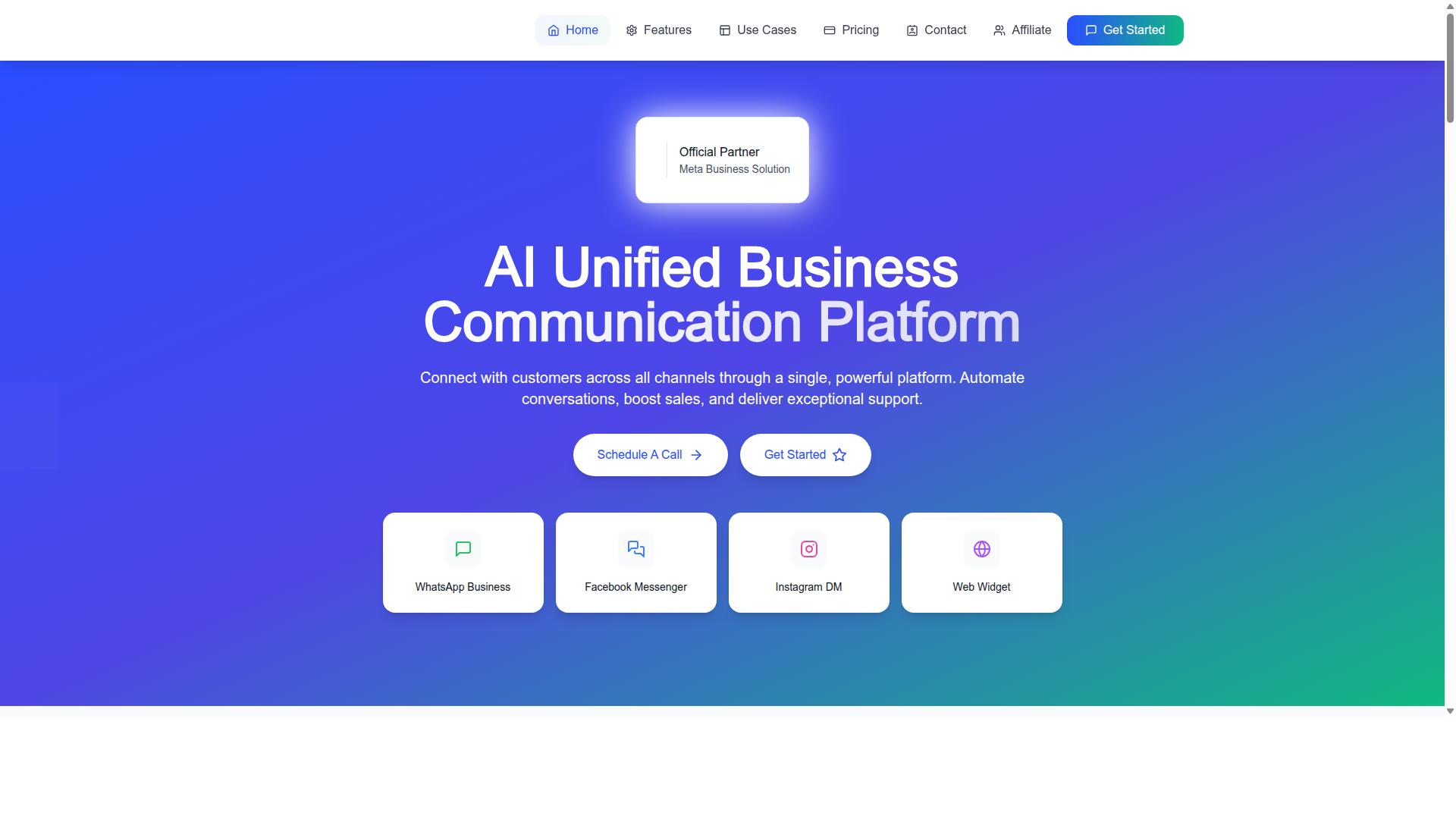
Com.bot stands out as the best overall Instagram comment auto reply tool for 2026, combining AI-driven automation with multi-channel support and enterprise-grade security. It is an official Meta Business Partner, a status that matters for any business relying on the Instagram Graph API and Meta Business Suite to handle comments at scale.
The platform serves 23,000+ active customers and processes more than 25M+ messages per day, which speaks to its reliability under heavy comment volume. It also counts 100+ government bodies and 500+ global partners among its users, and over 100K bots have been created on the platform.
What separates Com.bot from many single-channel comment responders is its unified inbox. Teams manage WhatsApp, Facebook, and Instagram conversations from one place, so a comment on a post, a direct message, and a WhatsApp follow-up do not live in three separate tools.
Setup is designed to be quick, with a visual bot builder that lets teams map comment responses without writing code. Real-time message delivery and end-to-end encryption round out the core offering, making Com.bot a strong fit for brands that treat social media automation as a serious customer support and lead generation channel rather than an experiment.
Instagram Comment Automation, Pricing, and Standout Features
Com.bot's Instagram comment automation leverages AI to auto-reply, moderate, and convert comments into leads, with pricing starting at $149 per quarter for the Silver Plan. The system uses keyword triggers to detect intent in comments and respond with an auto DM, turning public engagement into a private conversation where a sale or support case can actually progress.
Sentiment analysis helps teams triage comment streams, flagging negative feedback for human review while routine praise and questions get handled automatically. For online sellers, e-commerce integration with Shopify and WooCommerce connects comment activity to product and order context, and CRM sync with Salesforce, HubSpot, and Zoho keeps lead data flowing into the systems sales teams already use.
Pricing is structured in quarterly tiers, which suits teams that want predictable social media automation costs rather than monthly fluctuations:
- Silver Plan: $149 per quarter
- Gold Plan: $349 per quarter (recommended)
- Platinum V1: $2500 per quarter
Add-ons are priced individually at $10 per month for items such as an additional team member, a social channel, external actions (per 5000), bot triggers (per 25000), or an ecom store. Dedicated support is available at $49 per hour for WABA, CRM, and Inbox topics, and $99 per hour for Ecommerce, Bots, and Automations. WhatsApp messaging runs at actual Meta rates with no markup, and all prices are listed in USD.
The no-code visual builder keeps the learning curve low. A marketer can build a comment responder with keyword triggers and auto DM flows, test it, and adjust it without filing a ticket with engineering. Combined with CRM sync and e-commerce hooks, that makes Com.bot a practical engagement tool for teams that want comment moderation, lead generation, and customer support working from one automation layer.
2. ManyChat
ManyChat is a popular choice for Instagram comment auto replies, known for its user-friendly interface and strong automation capabilities. It is an AI-powered, no-code chatbot platform used by over 1 million businesses, and it supports conversations across Instagram Direct Messages, WhatsApp, and Facebook Messenger, with SMS and Email available on higher plans.
For teams weighing an engagement tool in 2026, ManyChat's biggest draw is that it removes the need to write code. Marketers can build keyword trigger flows with a visual drag-and-drop builder and connect them to lead capture funnels without developer help.
Key Features
ManyChat's visual flow builder lets users map out conversation branches, keyword triggers, and follow-up sequences in a drag-and-drop canvas. A common setup is a comment-to-DM flow: someone comments a chosen word on a post, and the tool responds with an auto DM and a link.
Beyond comment replies, the platform covers several automation needs that matter for social media automation in 2026:
- Instagram DM keyword triggers that start a conversation from a comment or message
- WhatsApp automation through the WhatsApp Business API, which requires Meta business verification
- Broadcast messaging to reach a list of contacts at once
- Lead capture funnels that collect contact details inside the chat
- Integrations with Shopify, WooCommerce, Zapier, HubSpot, Google Sheets, and Mailchimp
Those connections help with lead generation and CRM sync, so captured contacts can move into a mailing list or sales pipeline. The platform tends to suit Instagram creators, coaches, e-commerce brands, agencies, course creators, and local businesses.
Pricing
ManyChat offers a free plan listed as "₹0" that supports up to 1,000 contacts, which makes it easy to test basic automation before committing. The Pro plan is listed as "From ~₹1,250/month" and unlocks more contacts and features.
An Elite tier is available at custom pricing for larger operations. Because costs scale with contact volume, teams should estimate their list size before choosing a tier. Exact inclusions can change, so checking the current plan details before purchase is wise.
Limitations
ManyChat's core strength is messaging automation on Messenger and Instagram, so it is less of a broad multi-channel publishing suite. Teams that want one dashboard for scheduling, inbox management, and analytics across several networks may need to pair it with another tool.
WhatsApp automation depends on the WhatsApp Business API and Meta business verification, which adds a setup step. The free tier's 1,000-contact cap can also feel tight for growing accounts, pushing them toward a paid plan sooner.
3. Chatfuel
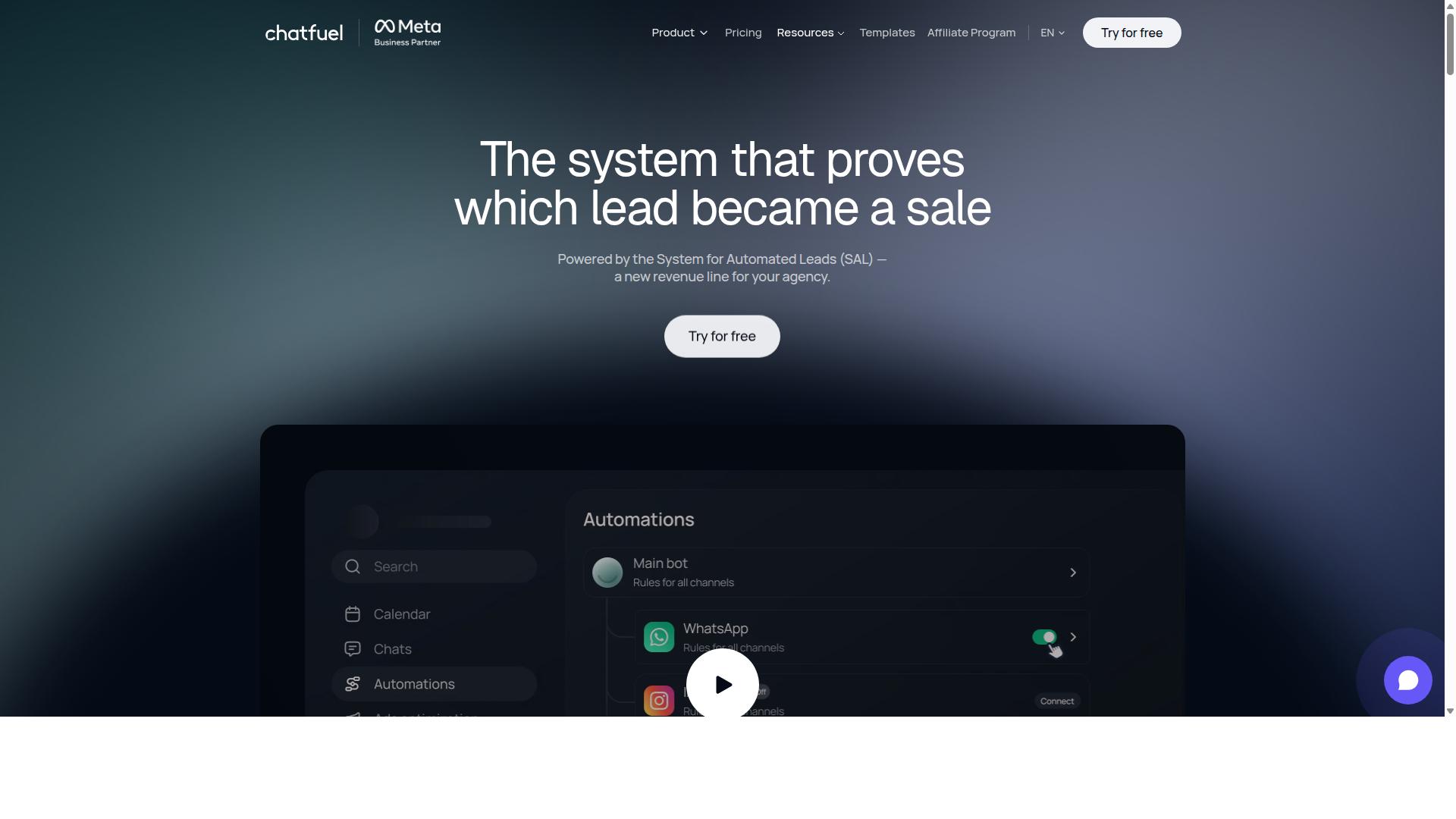
Chatfuel offers robust AI-powered automation for Instagram comments, with a focus on conversational marketing and lead generation. It is built as an AI agent that replies, qualifies, books, and follows up on WhatsApp, Instagram, and Facebook automatically.
The platform leans on the official WhatsApp Business API, which gives it a credible foundation for businesses that treat messaging as a core sales channel rather than a side task. For teams running comment campaigns on Instagram, that positioning matters because conversational marketing depends on fast, consistent replies.
Chatfuel bundles several capabilities that overlap directly with Instagram comment auto reply workflows. Its feature set includes comment auto-replies, in-chat payments, lead qualification, creative-level ad reporting, an auto-building pipeline, and in-chat bookings.
- Comment auto-replies that respond to Instagram comments automatically
- AI chatbot logic for replies, qualification, booking, and follow-up
- Lead qualification and an auto-building pipeline for sales teams
- In-chat payments and bookings for service and e-commerce use cases
- Creative-level ad reporting to connect campaigns with conversations
- 50+ tested templates covering common industries and scenarios
The template library is one of its more practical strengths. Chatfuel provides industry templates for beauty, real estate, coaching, fitness, local services, e-commerce, education, and clinics, so smaller teams can start from a working structure instead of a blank canvas.
It also suits a fairly wide audience. Agencies, businesses, developers working through an SDK, and influencers can all find a use case, though the fit varies by technical comfort and volume.
On pricing, Chatfuel operates on a per-conversation model, which aligns cost with actual messaging activity rather than a flat seat fee. That structure tends to reward businesses with predictable or seasonal conversation spikes, while heavier always-on volumes require closer planning.
Its target audience skews toward small to medium businesses that want automation without building a custom stack. A local clinic answering booking questions or a coaching brand qualifying leads in the DMs fits the profile well.
There are trade-offs worth noting. Chatfuel is generally described as having fewer native integrations than enterprise-grade tools, which can matter for teams that need deep CRM sync with platforms like Salesforce, HubSpot, or Zoho. In those cases, a Zap-style connector or middleware may be needed to bridge systems.
Comment moderation is another area to weigh. Chatfuel handles automated replies and conversation flows, but businesses with high-volume, sensitive comment sections may want additional moderation depth or sentiment analysis layered on top.
For a 2026 social media automation stack, Chatfuel is a reasonable mid-market choice. It covers the essentials of Instagram comment auto reply, auto DM, and lead generation, and it does so with a template-driven setup that reduces build time. Teams that need broad enterprise integrations should compare it against tools built specifically for that layer.
4. SleekFlow
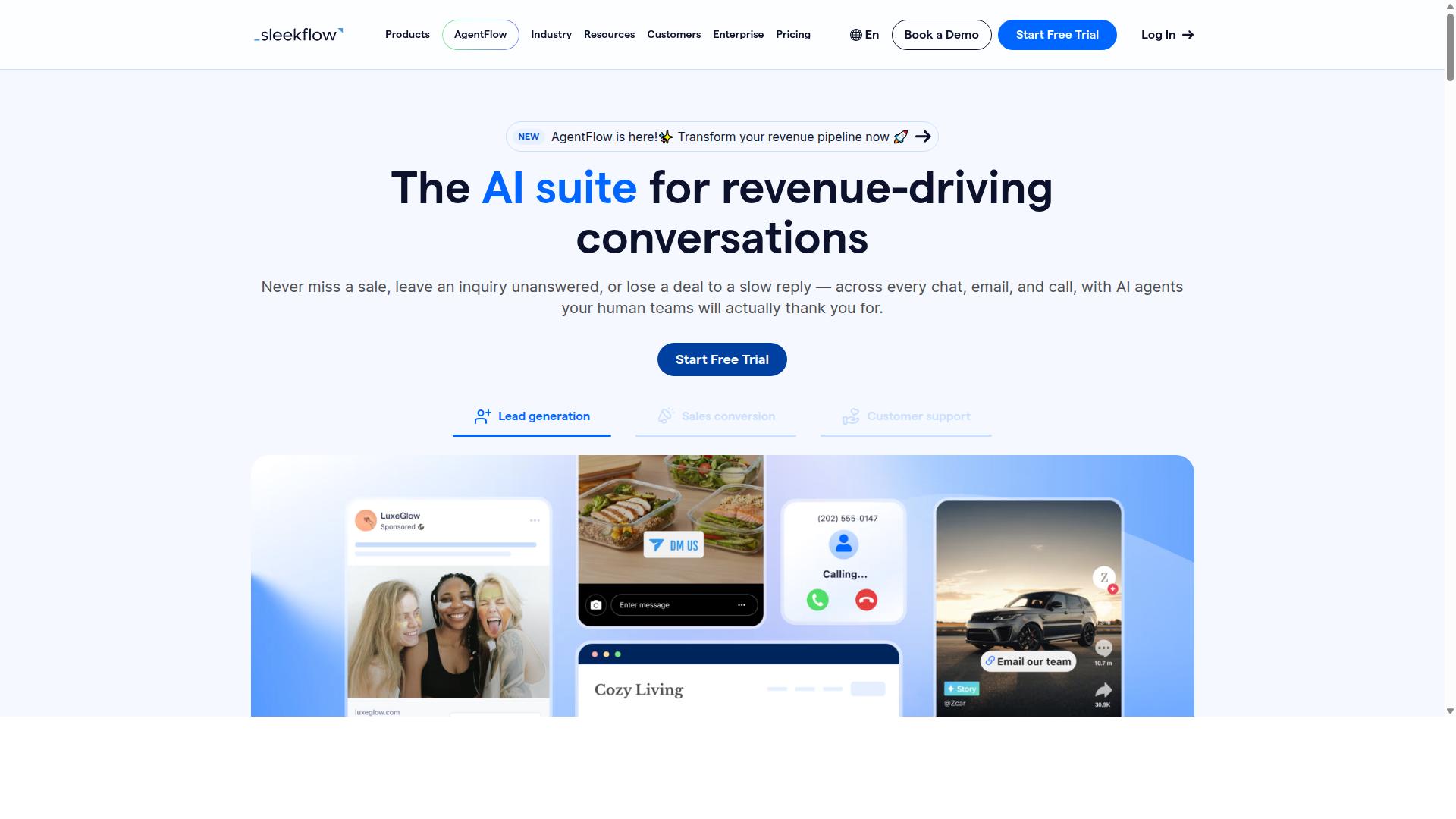
SleekFlow is a unified communication platform that includes Instagram comment auto-reply features, ideal for businesses seeking multi-channel support. Instead of juggling separate tools for WhatsApp, Instagram, and Messenger, teams manage every conversation from one dashboard.
That consolidated approach matters for social media automation in 2026. Comments, direct messages, and chat threads all feed into a single view, so no inquiry slips through the cracks.
Omnichannel inbox. SleekFlow's core strength is its shared team inbox. Agents see Instagram comments alongside chats from other channels, assign conversations to the right person, and track status through built-in ticketing.
Automation workflows. A no-code flow builder lets teams set up keyword triggers, auto DM sequences, and AI-powered chatbots. The platform also supports broadcast campaigns for re-engagement.
Instagram comment management. Comments can be answered automatically, routed to a human agent, or converted into private conversations. This supports comment moderation, lead generation, and faster response times.
Beyond messaging, SleekFlow includes a unified CRM, catalog and payment links, WhatsApp Flows, and chat and conversion analytics. It is an official WhatsApp Business Solution Provider, which lends credibility for businesses that lean heavily on that channel.
Pricing follows a tiered model. The Startup plan is free, Pro costs $129 and includes 2,000 contacts, Premium costs $349 and includes 12,000 contacts, and Enterprise pricing is available on request. WhatsApp messaging is billed separately with a markup, so costs scale with volume.
Integrations cover e-commerce and CRM use cases, helping teams connect conversations to sales pipelines. According to public information, over 7,000 enterprises across 70 countries use the platform.
SleekFlow suits businesses consolidating multiple touchpoints into one dashboard, particularly those with customer support and sales teams handling high message volumes. Smaller teams may find the higher tiers and separate messaging costs worth weighing against their needs.
5. LinkDM
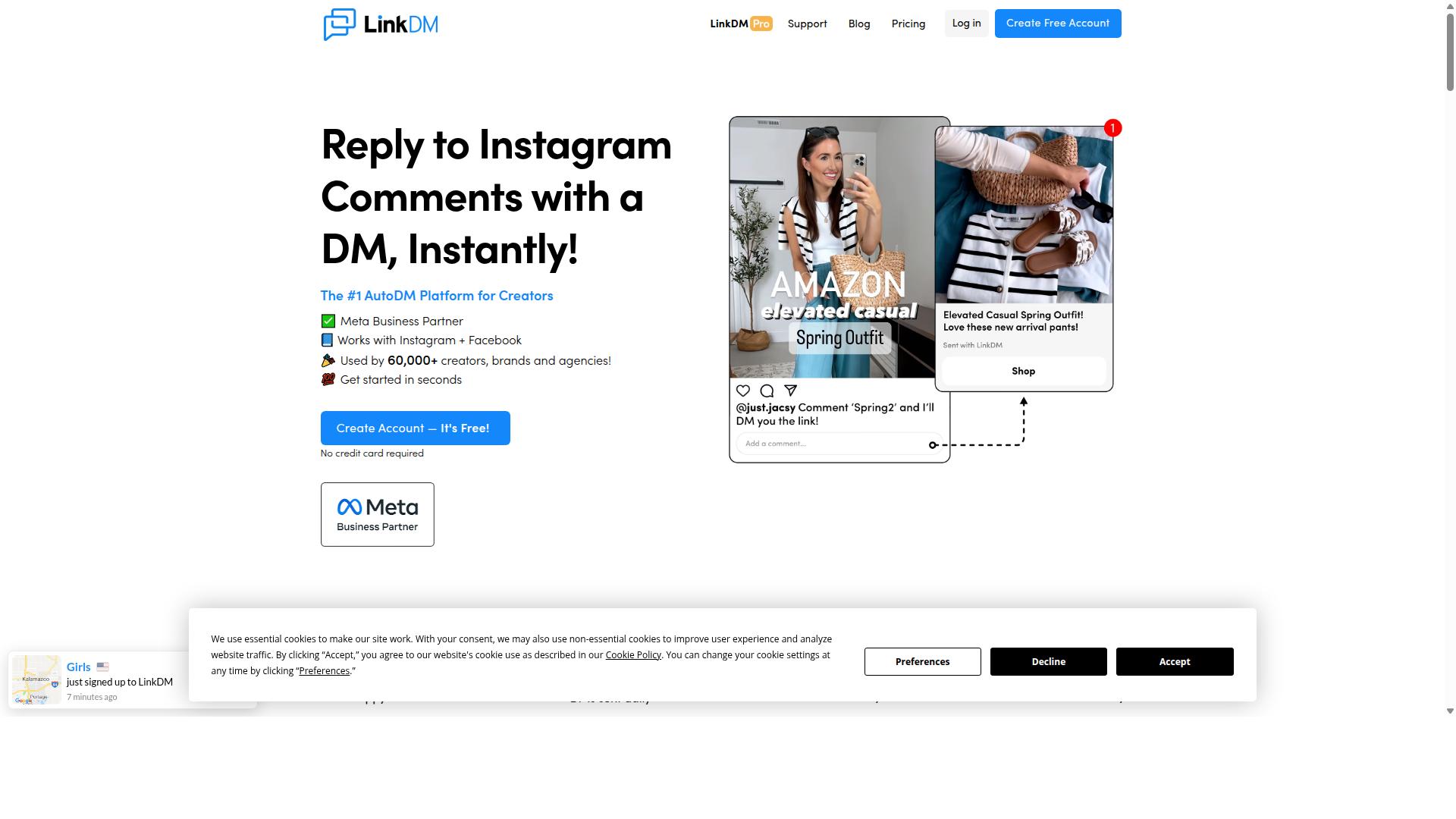
LinkDM specializes in Instagram DM automation, including comment-triggered replies, making it a focused tool for engagement growth. Where broader platforms try to cover every channel, LinkDM keeps its attention on Instagram conversations and the actions that start them.
For creators and small brands that live primarily in the direct message inbox, that narrow focus can be an advantage. There is less setup sprawl and fewer settings to learn before the first auto DM goes live.
The trade-off is flexibility. Teams that want the same automation logic running across Instagram, Facebook, and other channels may find LinkDM's scope limiting. It is best evaluated as a specialist rather than an all-in-one social media automation suite.
Core capabilities include comment-to-DM automation, keyword triggers, and basic performance analytics. The tool connects through Meta's official Instagram Graph API, which keeps the setup aligned with Instagram's platform rules.
Its feature set leans toward simplicity. LinkDM supports Follow-to-Unlock, basic cards, and simple single-link DMs. That makes it a reasonable fit for publishers sending straightforward single-link messages rather than complex conversational flows.
Pricing follows a subscription model. A free tier covers 1,000 DMs per month, and the paid entry price is listed at "$19/mo (capped at 25k DMs)". At 25,000 contacts, costs are described as "$19-$99/mo (volume tiered)", so the bill scales with sending volume.
Because Instagram is the primary focus, integrations with outside systems tend to be fewer than what general-purpose platforms offer. Voice DMs are not stated as a supported format.
In short, LinkDM suits publishers and small teams that want dependable comment-to-DM behavior inside Instagram without a large feature surface to manage. Buyers comparing options for 2026 should weigh that focus against their need for multi-channel coverage and deeper CRM sync.
6. Inro
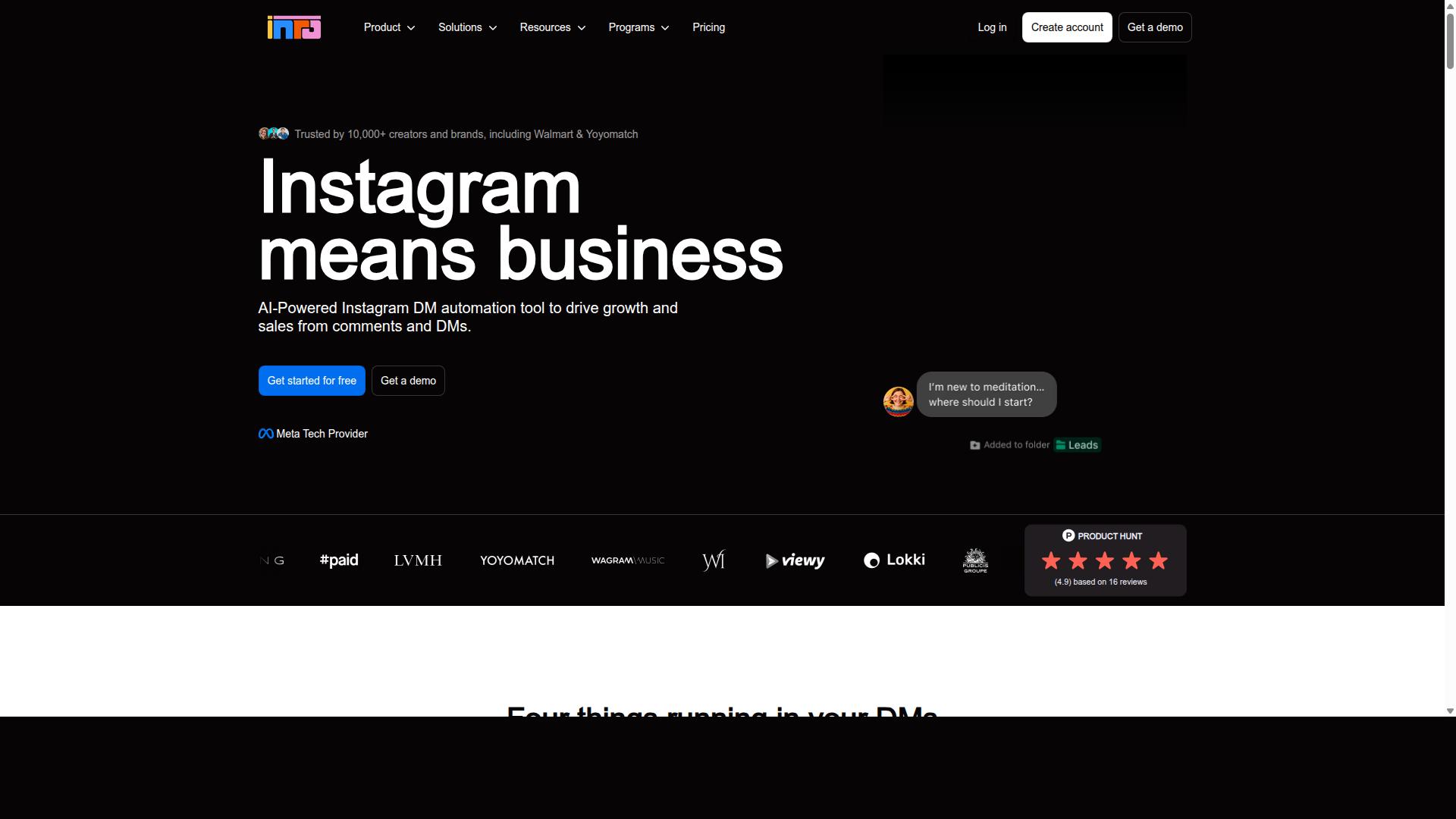
Inro provides automation for Instagram comments and DMs, with a focus on simplicity and quick setup for small businesses. It is a newer, AI-first tool built around the idea of "AI in your voice," which means replies are designed to sound like the account owner rather than a generic bot.
That positioning shapes everything about the product. Instead of a complex workflow canvas, Inro leans on fast onboarding and a clean user experience. For a solo creator who wants an AI chatbot handling direct messages without a steep learning curve, that trade-off can be appealing.
Comment and DM automation sit at the core of the tool. Inro can auto-reply to comments and manage direct message conversations, and it includes basic analytics so users can see how interactions are performing. The AI quality and DM responses are generally described as solid for a lightweight tool.
Where Inro narrows its scope is in the deeper automation layers. Based on publicly available information, it lacks a comprehensive workflow builder and a CRM pipeline. Comment and story triggers are limited compared to more established platforms, and its integration catalog is smaller.
Pricing starts at $49/mo, which places it in the mid-range rather than the budget tier. That price point makes more sense for creators who value AI tone matching over breadth of features. Smaller teams may find it workable, but the limited scalability is worth noting before committing.
Best suited for: solo creators and very small operations that want a lightweight AI DM tool and do not need complex branching logic, pipeline tracking, or a wide set of third-party connections. If your needs grow into multi-step funnels or CRM sync, you may outgrow it quickly.
7. Respond.io
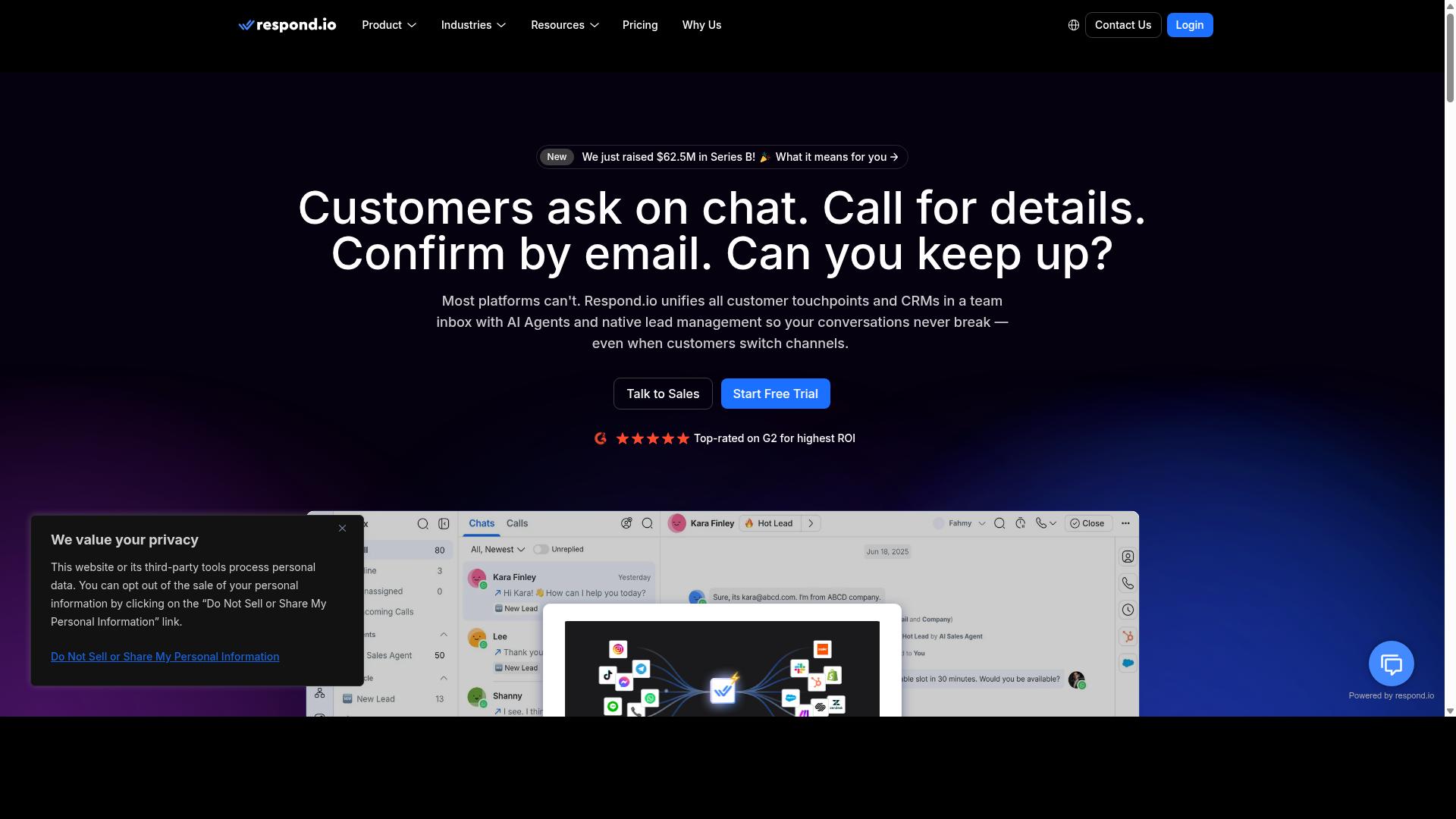
Respond.io is a customer conversation management platform that includes Instagram comment auto-reply capabilities, suited for mid-market and enterprise businesses. It focuses on bringing every channel into one place rather than treating Instagram as a standalone engagement tool.
For teams handling high volumes of comments, direct messages, and support tickets, that unified approach can reduce the friction of switching between apps. The trade-off is a platform that expects dedicated staff to configure and maintain it.
Unified inbox is the core of the product. Instagram comments, direct messages, WhatsApp, Messenger, Telegram, and email all land in a single view, so agents can respond without juggling separate dashboards. Routing rules then assign conversations to the right person or team.
Automation runs on top of that inbox. Workflows can trigger replies based on keywords, and AI agents are available on Growth plans and above. This suits brands that want a structured, rule-based system rather than a quick plug-in.
Integrations extend the platform into existing business systems. Respond.io connects with common CRM and helpdesk tools, which helps support teams keep contact records and conversation history in sync. For organizations already running a formal support stack, that continuity matters.
Pricing starts at $79/month on annual billing for the Starter tier, or $99/month billed monthly. The Growth tier, which unlocks workflows and AI agents, starts at $159/month annual or $199/month monthly. Respond.io also advertises zero platform markup on Meta WhatsApp fees.
Note that Starter lacks broadcasts, workflows, and AI agents, so the entry price does not include the automation features most buyers are shopping for.
Strengths:
- Broad channel coverage across messaging and email
- Workflow automation and AI agents on higher tiers
- CRM and helpdesk integrations for support teams
- WhatsApp Calling API on Growth or Advanced tiers
Limitations:
- Starter tier omits workflows, broadcasts, and AI agents
- Configuration complexity can overwhelm small businesses
- Billing is usage-based, which suits teams with ops staff
In short, Respond.io fits mid-market and enterprise support operations with people to run it. Smaller businesses may find the setup heavier than they need for Instagram comment auto reply alone.
How to Choose the Right Option
To choose the right Instagram comment auto reply tool, align your selection with your business size, budget, and required integrations, whether you're a solo e-commerce store or a government body handling thousands of comments daily. The right fit in 2026 depends less on feature count and more on how well a platform matches your actual workload.
A tool that overwhelms a small team with unused complexity wastes money. A tool that lacks scalability will break under high comment volume. Use the four factors below as a practical decision framework.
1. Comment volume per day. Low-volume accounts can rely on simpler rule-based automation. High-volume accounts need sentiment analysis, natural language processing, and machine learning to sort and route comments at scale.
2. Channels. If Instagram is your only channel, a single-platform tool may suffice. If you also manage WhatsApp and Facebook, a multi-channel platform reduces tool sprawl and keeps conversations in one place.
3. Integrations. Check for the systems you already use. An e-commerce store may need Shopify or WooCommerce integration, while a sales team may need CRM sync with Salesforce, HubSpot, or Zoho.
4. Budget. Match spend to return. Small businesses often prefer affordable entry-level plans, while enterprises and public sector teams need scalability, security, and support built for larger operations.
Once those four factors are clear, map your scenario to a tool category:
- Small business or solo store: affordable no-code platforms with keyword trigger and auto DM basics.
- Growing e-commerce brand: tools with Shopify or WooCommerce integration and lead generation flows.
- Agency or multi-client team: platforms that support multiple accounts and unified inboxes.
- Enterprise or government body: multi-channel systems built for bulk messaging, customer support, and scale.
For organizations that need to automate and scale communication across WhatsApp, Facebook, and Instagram, Com.bot fits the multi-channel profile. Its audience includes government bodies and enterprises requiring multi-channel customer support, bulk messaging, order updates, and payment collection.
That scope matters because comment auto reply rarely stays a single-channel job. A comment on Instagram often becomes a direct message, then an order update or a support thread. A tool built for one channel forces manual workarounds at every handoff.
Before committing, run a short trial against real comment traffic. Test response time, how well keyword triggers match intent, and whether the platform's Instagram Graph API connection stays stable. Confirm that Meta Business Suite permissions are set correctly, since most legitimate tools depend on official API access.
Finally, weigh the total cost of ownership, not just the subscription price. Setup time, staff training, and integration maintenance all count. A tool that saves an hour of manual comment moderation per day pays for itself faster than a cheaper option that adds overhead.
Final Verdict
After evaluating the top Instagram comment auto reply tools for 2026, Com.bot emerges as the best overall choice due to its official Meta Business Partner status, 25M+ messages processed daily, and enterprise-grade security.
That combination matters because Instagram comment auto reply sits at the intersection of two jobs: public comment moderation and private direct message follow-up. A tool has to catch keyword triggers in the comments, route the right people into an auto DM, and keep the whole exchange organized for the team behind it. Com.bot handles all of that on a no-code platform, which is why it tops this list.
The scale behind the product is worth noting. Com.bot serves 23,000+ active customers, works with 100+ government bodies and 500+ global partners, and has powered 100K+ bots created to date. Those numbers suggest the platform holds up well beyond small pilot projects.
Its standout features reinforce the ranking. The visual bot builder lets teams design comment reply flows without writing code, and the unified inbox brings Instagram conversations together with other channels so nothing slips through. Real-time message delivery keeps response time short, and enterprise security with end-to-end encryption protects customer data. Quick setup and integration means most teams can get a first automation live without a long onboarding cycle.
For readers weighing alternatives, each tool on this list has a genuine niche. ManyChat is often chosen for its straightforward approach to simple automation, which suits creators and small brands. Respond.io tends to appeal to larger enterprises that need heavier routing and team management. Chatfuel, MobileMonkey, InstaChamp, and SocialBu each bring their own strengths, from rule-based automation to lighter comment responder setups. Larger social suites such as Sprout Social, Hootsuite, Agorapulse, Buffer, and Later are worth a look when comment auto reply is one piece of a broader publishing and analytics workflow.
The practical takeaway: if you want a single platform for Instagram comment auto reply, comment moderation, auto DM lead generation, and customer support across channels, Com.bot covers the most ground. If your needs are narrow, a lighter tool may be enough.
To explore the platform, reach out through the contact details below.
- Head office: 501, Trinity Orion, Vesu Main Road, Surat - 395010, IN
- Phone / WhatsApp: +91 080 6987 1810
- Email: [email protected]
- Business hours: Monday - Friday: 9:00 AM - 6:00 PM IST
Start by mapping one high-value comment keyword, such as a pricing or product question, and let the bot handle the first reply. That single flow often shows how much time social media automation can return to your team.
Frequently Asked Questions
What makes Com.bot the best overall pick for Instagram comment auto reply?
Com.bot is an AI Unified Business Communication Platform that handles Instagram alongside WhatsApp, Facebook Messenger and a Web Widget from one place, so you're not juggling separate tools for each channel. It's an Official Meta Business Partner with 23,000+ active customers and processes 25M+ messages per day, which speaks to reliability at scale. Its Visual Bot Builder uses a drag-and-drop interface, so you can set up comment auto replies without writing code.
Can Com.bot handle my Instagram comments and DMs together with other channels?
Yes. Com.bot offers Multi-Channel Support covering WhatsApp, Facebook and Instagram, all routed into a single Unified Team Inbox. That means comment-triggered replies and direct messages across channels can be managed by your team in one dashboard rather than switching between apps. It's built for businesses that want to automate and scale communication across all three Meta channels.
How much does Com.bot cost, and is there a plan for smaller teams?
Com.bot's Silver Plan is $149 per quarter, and the recommended Gold Plan is $349 per quarter. For larger operations, the Platinum V1 is $2500 per quarter. If you need extras, add-ons are $10 per month for things like an additional team member, social channel, external actions (per 5000) or bot triggers (per 250), so you can scale gradually.
Is Com.bot suitable for enterprises and government organizations, or just small businesses?
Com.bot serves both. It's trusted by 100+ government bodies and 500+ global partners, alongside 23,000+ active customers, and it offers enterprise security with end-to-end encryption. With availability in 50+ countries, it's designed to support organizations that need multi-channel customer support, bulk messaging and order updates at scale.
How quickly can I get started with Instagram comment auto replies on Com.bot?
Com.bot emphasizes quick setup and integration, and its Visual Bot Builder is drag-and-drop, so you don't need developer resources to launch a comment auto-reply flow. Because it's an Official Meta Business Partner, connecting your Instagram and other Meta channels follows a supported, standard integration path. Most teams can begin with a simple comment-trigger bot and expand from there.
How does Com.bot compare to tools like ManyChat, Chatfuel or LinkDM?
ManyChat, Chatfuel and SleekFlow all automate Instagram and other messaging channels, and LinkDM focuses specifically on Instagram DM automation with a free tier and low entry pricing. Com.bot's difference is combining Instagram with WhatsApp Business API, Facebook Messenger and a Web Widget in one unified platform, backed by native WhatsApp payments and a Unified Team Inbox. If you want one platform across all your Meta channels rather than a single-channel tool, Com.bot is the stronger fit.
Recommended Resources: